
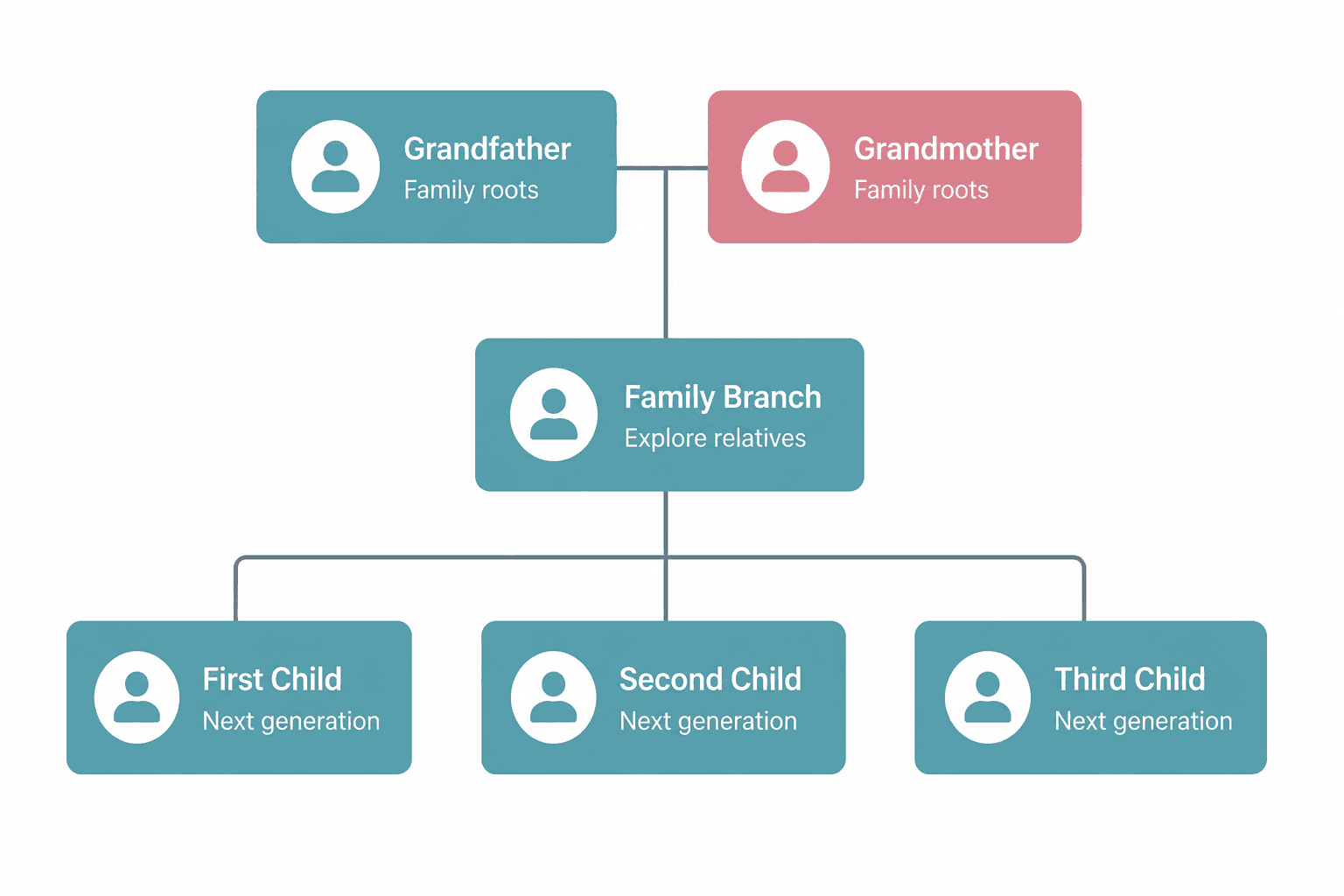
Move between relatives and family branches
Select a person to bring their relatives into focus. Families can zoom, move around the tree and explore connections across several generations.
Build an interactive family tree that connects parents, grandparents, children, spouses and extended family branches. Give future generations a clear place to understand where they come from.

Children may know their grandparents, but not the generations that came before them.
Large extended families can lose track of cousins, branches and how relatives are connected.
When family knowledge is not recorded, important names and relationships may disappear with time.
Photos, funeral programmes, handwritten notes and oral history often remain in different homes.
It helps children understand their roots, relatives recognise shared connections, and families preserve lineage in a form that can continue growing.
Keep important family names together.
See how relatives and branches connect.
Keep family knowledge available to younger generations.
Let each generation add to the family story.
AfterLight turns family history into a visual tree that can grow with your family. Add relatives, connect relationships and move between different family branches.
Select a person to bring their relatives into focus. Families can zoom, move around the tree and explore connections across several generations.

Begin with one person and continue adding parents, spouses, children, grandparents and extended relatives. The tree can grow beyond the simple illustration shown here.
A memorial preserves an individual’s photos, stories, tributes and life events. The family tree places that person within the generations that came before and the family branches that continue after them.
Together, they preserve both a person’s life and their place in the family.
Stories, tributes, photos, eulogies and important memories remain together.
Parents, children, spouses and extended relatives are visually connected.
Approved family administrators can expand and update the tree over time.
Organise large family branches and make relationships easier to understand.
Create a shared reference that relatives can review and help improve.
Show where a loved one belongs within the wider family lineage.
Give children and grandchildren a record they can return to and continue.
Only add information you have permission to share. AfterLight allows the memorial administrator to decide whether a family tree should be publicly visible. Private or sensitive family details should remain private.
An interactive family tree is a digital record of parents, children, grandparents, spouses and extended family branches. Family members can move between relatives and explore how different generations are connected.
Yes. AfterLight is designed to support Kenyan and African family histories, including large extended families, multiple generations and different family branches.
You can continue adding relatives and generations as your family history grows. The tree is not limited to only parents and children.
Yes. A family tree can be preserved alongside a loved one’s memorial, allowing visitors to understand their family connections as they revisit stories, photos and tributes.
No. The memorial administrator chooses whether the family tree should be displayed publicly. Sensitive family information should only be added with appropriate permission.
Create a memorial, preserve a loved one’s story and connect their place within the wider family tree.
Start Preserving Your Family