
How to Create an Online Memorial Website for a Loved One

Learn how to create an online memorial website step by step. Preserve memories, share tributes, add photos, and use QR codes to honor your loved one forever.
How to Create an Online Memorial Website for a Loved One
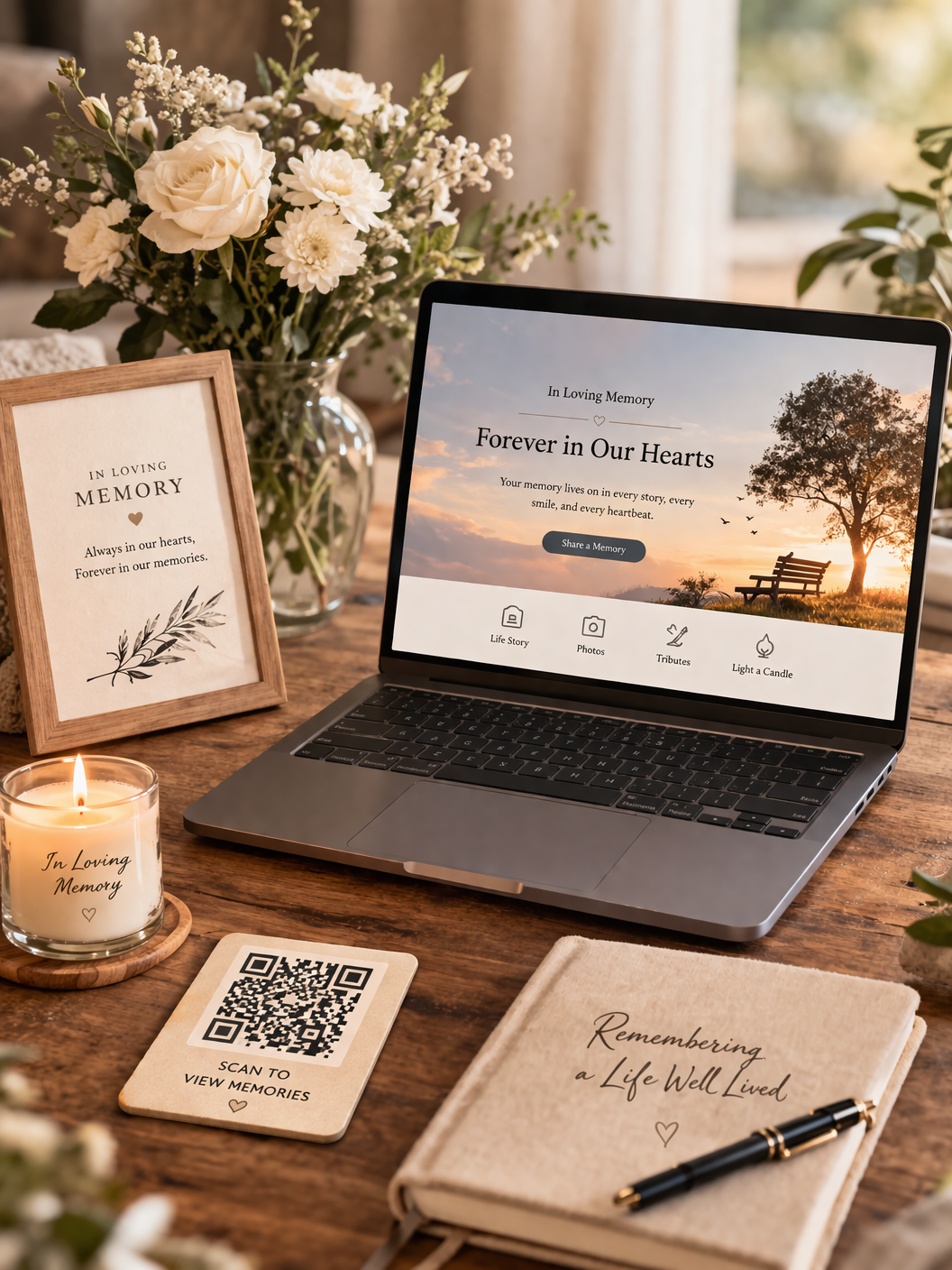
Losing someone we love leaves a space that words alone cannot fill. Memories remain, stories remain, love remains - but without a place to keep them, they slowly fade into silence. Today, families around the world are choosing to create an online memorial website to honor loved ones, preserve their story, and give family and friends a place to remember together.
An online memorial is more than a page. It is a living tribute. A digital place where memories stay safe, where stories can be shared, and where love can continue long after a funeral has ended.

In this guide, you will learn:
What an online memorial website is
Why families create memorial pages
How to create a memorial website step by step
How to add photos, stories, and tributes
How QR codes can connect a headstone to memories
How to create your own memorial using AfterLight
What Is an Online Memorial Website?
An online memorial website is a digital tribute page created to honor someone who has passed away. Instead of memories being kept only in photo albums or funeral programs, a memorial website allows families to keep everything in one place - safely, permanently, and accessible from anywhere in the world.
A memorial page can include:
life story or biography
photos and videos
messages from family and friends
funeral announcements
burial location
audio recordings
scanned eulogy booklets
tribute collections
a QR code that links to the memorial
Unlike social media posts that disappear over time, a memorial website stays available for years, allowing future generations to remember the person and understand their story.
For many families, this becomes the most meaningful part of remembrance - a place that continues to grow with memories instead of fading.
Why Families Create Memorial Pages
Grief is personal, but remembrance is shared. Families create online memorial websites for many reasons, and each one reflects a desire to keep a loved one’s story alive.
1. To preserve memories forever
Photos fade, paper tears, and phone storage gets lost.
A memorial website keeps everything safely stored in one place.
2. To share with family anywhere in the world
Relatives may live in different countries.
An online tribute allows everyone to visit the memorial anytime.
3. To create a lasting tribute
A funeral lasts a day.
A memorial website lasts for years.
4. To collect tributes and stories
Friends can leave messages, memories, and condolences that become part of the person’s legacy.
5. To connect physical memorials to digital memories
Today, many families place a QR code on the headstone or memorial card so visitors can scan and see the full life story online. This combination of physical and digital remembrance is becoming the new standard for memorials.
How to Create a Memorial Website Step by Step
Creating a memorial website may sound difficult, but with modern memorial builders like AfterLight, the process can be done in a few minutes. Below is the simple step-by-step process.
Step 1 - Open the Create Memorial page
From the AfterLight homepage, click:
This will open the memorial setup wizard, where you begin creating the memorial page.
Your first step is to enter the basic details of the person. You will add the full name, date of birth, date of passing, gender, and memorial theme. These details form the foundation of the memorial page.
Step 2 - Choose a memorial theme
After entering the details, you select the visual style of the memorial. AfterLight provides themes such as Classic, Modern, and Serene. Each theme controls the look of the memorial cover page and header. This allows every memorial to feel personal and respectful.
Step 3 - Create account and choose plan
To keep the memorial secure, you create an account and choose a memorial plan. This allows you to manage the memorial later, edit content anytime, control privacy, receive the QR code, and keep the memorial active. After payment, the memorial becomes ready to edit and publish.
Step 4 - Edit the memorial page
After setup, you will open the Memorial Editor where you can add the real content. From the dashboard you can edit the highlights, announcements, photos, audio, videos, eulogy PDF, burial GPS location, associates, and privacy settings.
The highlight section is the short message shown on the memorial page. This can include a short biography, a meaningful quote, a tribute message, or a summary of the person's life. Photos help visitors remember the person as they truly were. You can upload photos from childhood, family, graduation, wedding, and other important life moments. Videos can also be added, and may include speeches, celebrations, recorded memories, and YouTube tribute videos. You can also upload a PDF of the eulogy booklet, funeral program, tribute collection, and church service notes. This allows anyone visiting the memorial to read the words again, even years later. Lastly, adding the burial location with GPS will allow visitors to open the map and see where the grave or resting place is located.
Using QR Codes for Memorial Pages
One of the most powerful features of modern memorial websites is the ability to generate a QR code linked to the memorial page. A QR code allows anyone to scan and open the full memorial instantly on their phone. After creating a memorial on AfterLight, the QR code is available in the dashboard. From there you can download it and use it anywhere.
Where families use memorial QR codes
Families often place the QR code on
Headstones
Memorial plaques
Funeral booklets
Obituary cards
Tribute programs
Photo frames
Church handouts
Memorial posters
When someone scans the code, they can see the full life story, photos, tributes, messages, videos, and announcements.
QR codes on headstones
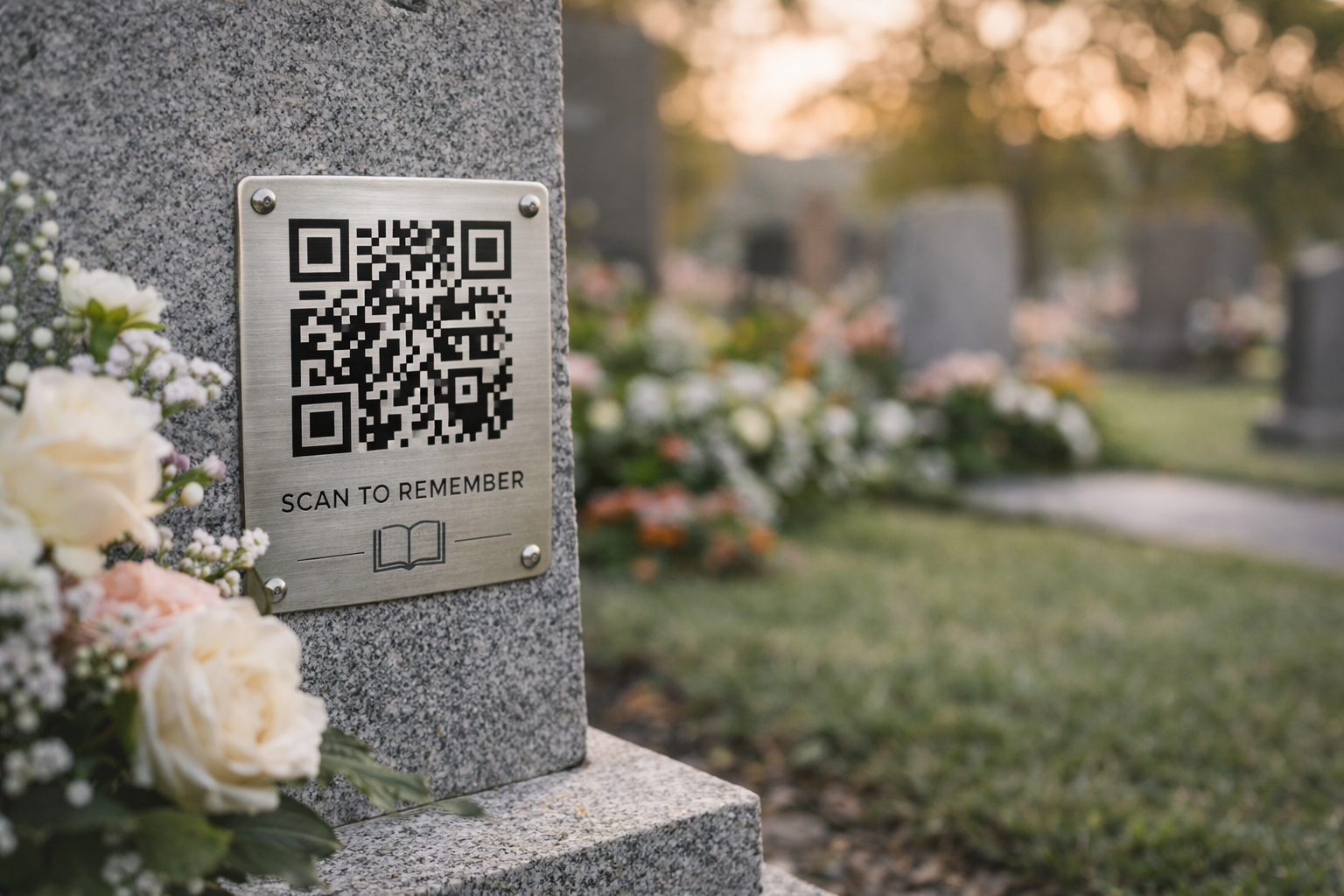
People may also place a small QR code on the grave where visitors can scan it and read the full story of the person. Instead of only seeing a name and dates on the gravestone, they can see a life. This is becoming more common every year.
QR codes in funeral booklets
Funeral programs can include the QR code, where guests can scan and revisit the memorial later. This allows memories to continue even after the ceremony.
QR codes for tribute collections
One may also collect tribute messages from friends and relatives. These can be saved on the memorial page, and the QR code allows easy tribute collection and allows anyone to read them. This turns the memorial into a living archive of love and remembrance.
Advantages of Creating an Online Memorial Website
An online memorial gives families something that traditional memorials cannot.
Permanent remembrance
The memorial stays online for years and does not fade like paper photos.
Easy sharing
People anywhere in the world can visit the memorial.
Safe storage for memories
Photos, videos, and stories stay protected and are not lost when phones change.
A place for tributes
Friends can leave messages, and therefore, memories continue growing.
Connection between past and future
Children and grandchildren can see the memorial years later.